

Word
DOCX · ODT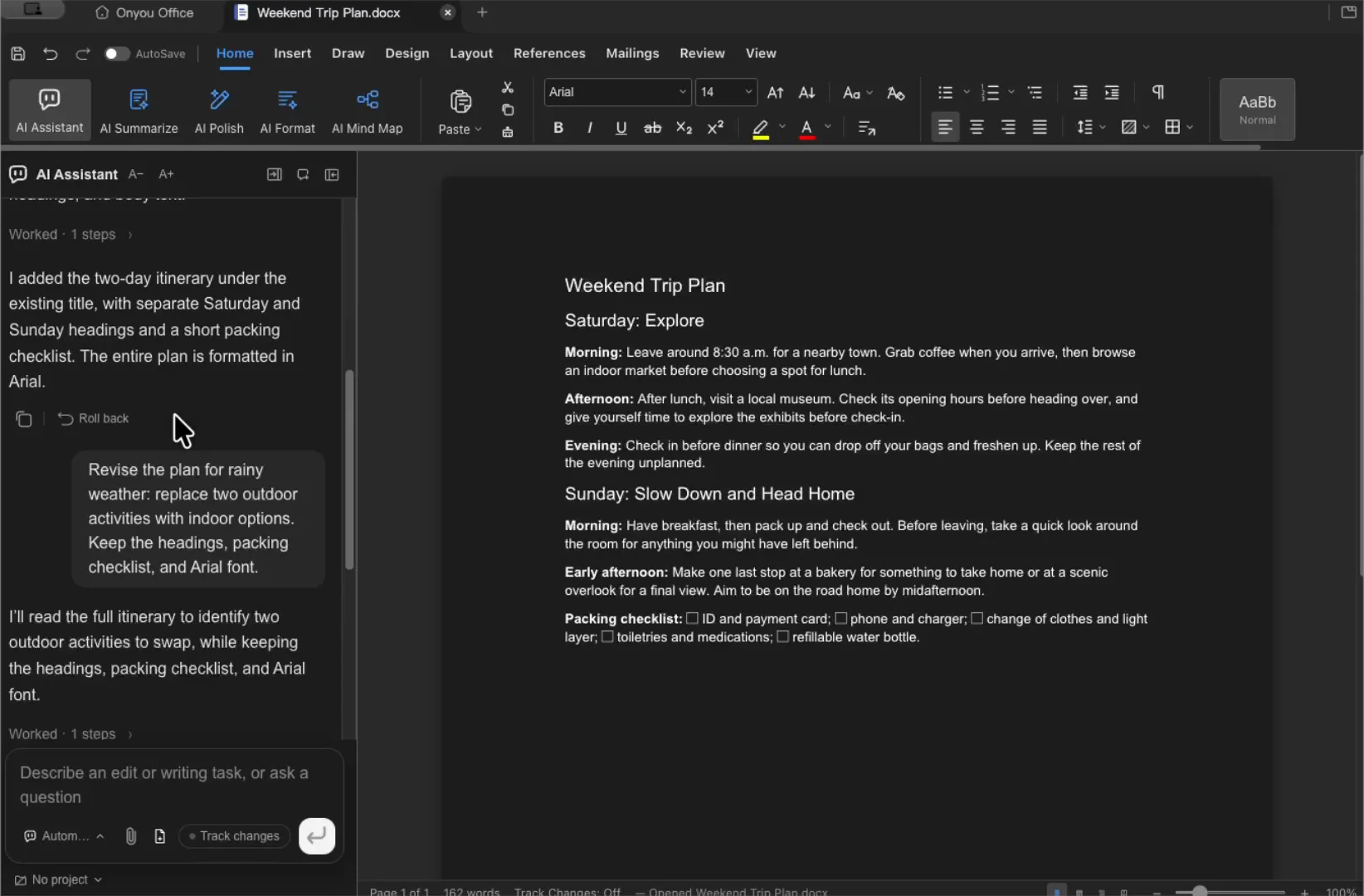
Organize paragraphs, headings, lists, and tables.
Watch the Word demo →Word, Excel, PowerPoint and PDF, plus Markdown, HTML, mind maps, diagrams, EPUB and HWP.
Scroll the table sideways to see save and export formats.
| Editor | Open | Save for editing | Example exports |
|---|---|---|---|
| Word | DOCX · ODT | DOCX · ODT | PDF · HTML · Markdown · PNG |
| Excel | XLSX · XLSM · XLS · CSV · TSV | XLSX · XLSM · original CSV | Current sheet as CSV · PDF |
| PowerPoint | PPTX | PPTX | PDF · PNG per slide |
| Word · Excel · PowerPoint · Markdown · EPUB · PNG | |||
| HWP | HWP · HWPX | HWP · HWPX | |
| Markdown | MD · MARKDOWN | MD · MARKDOWN | Word · ODT · PDF |
| HTML | HTML · HTM | HTML · HTM | Word · ODT · PDF · standalone HTML |
| Mind map | XMIND | XMIND | PNG · PDF · Markdown outline |
| Diagram | DRAWIO · DIO · import VSDX | DRAWIO · DIO | PNG · SVG · PDF |
| EPUB | EPUB | EPUB | — |
Organize paragraphs, headings, lists, and tables.
Watch the Word demo →
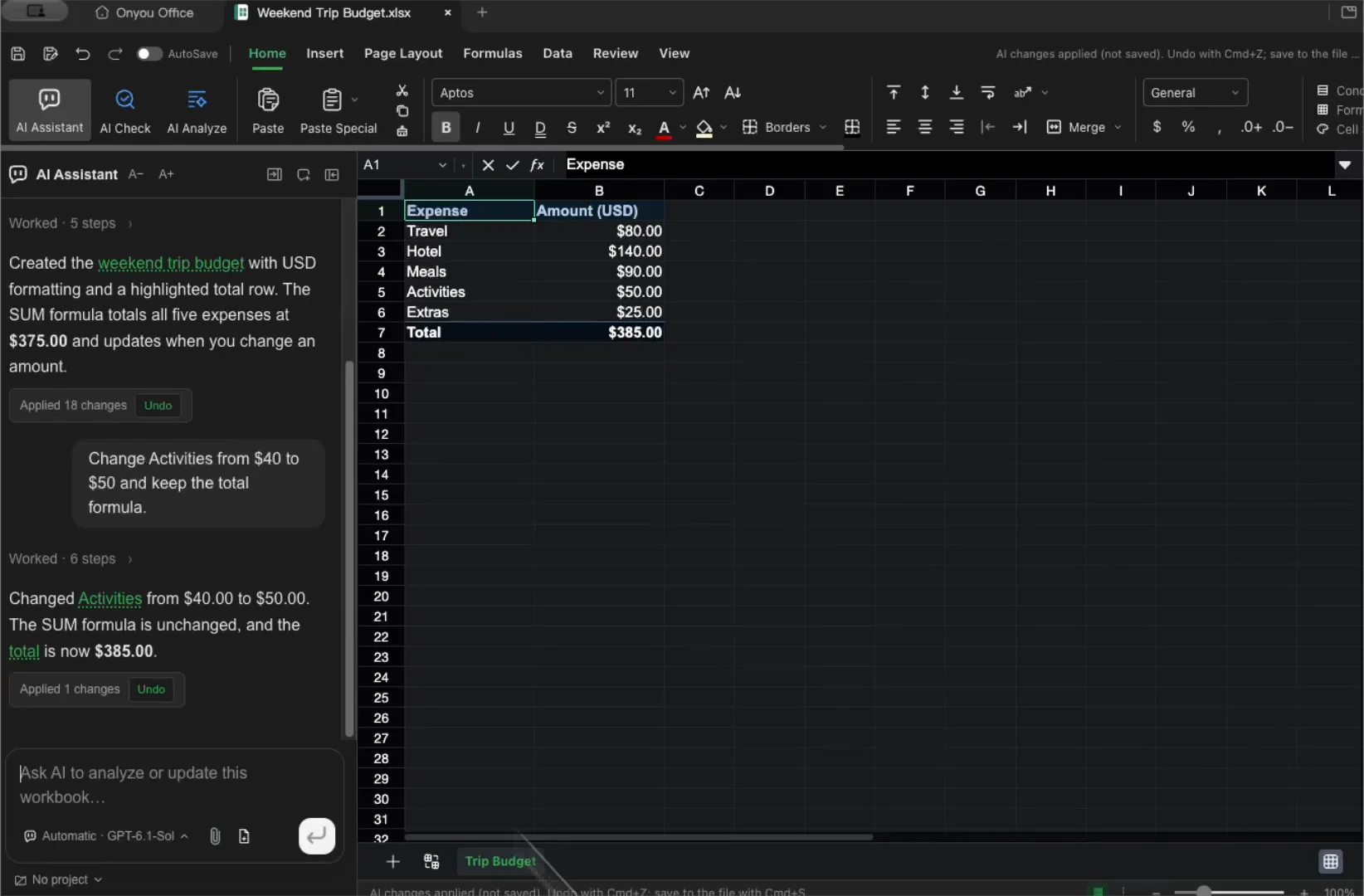
Review formulas and organize plans and budgets in rows and columns.
Watch the Excel demo →
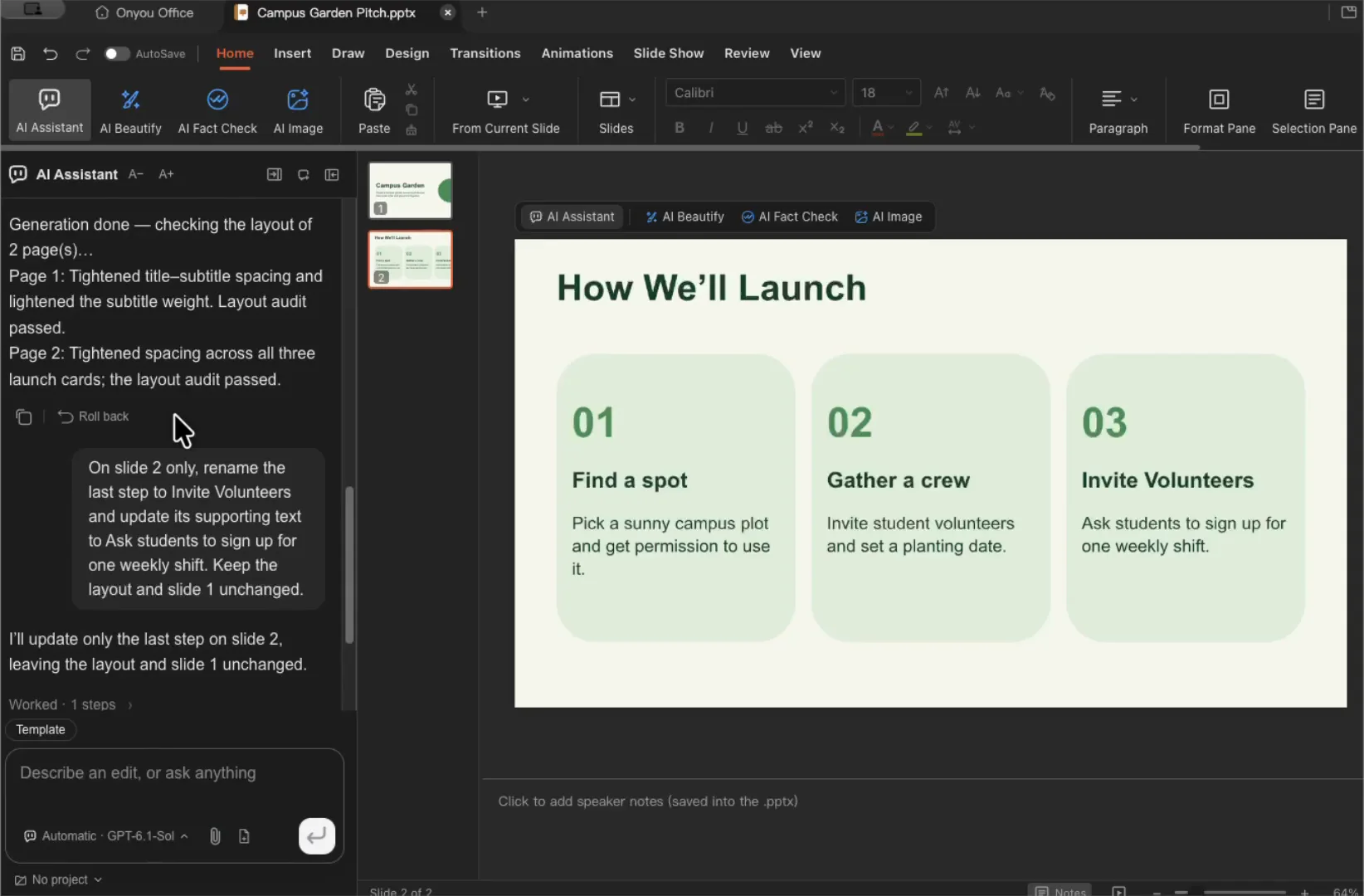
Open presentations and revise slide text and layout.
Watch the PowerPoint demo →
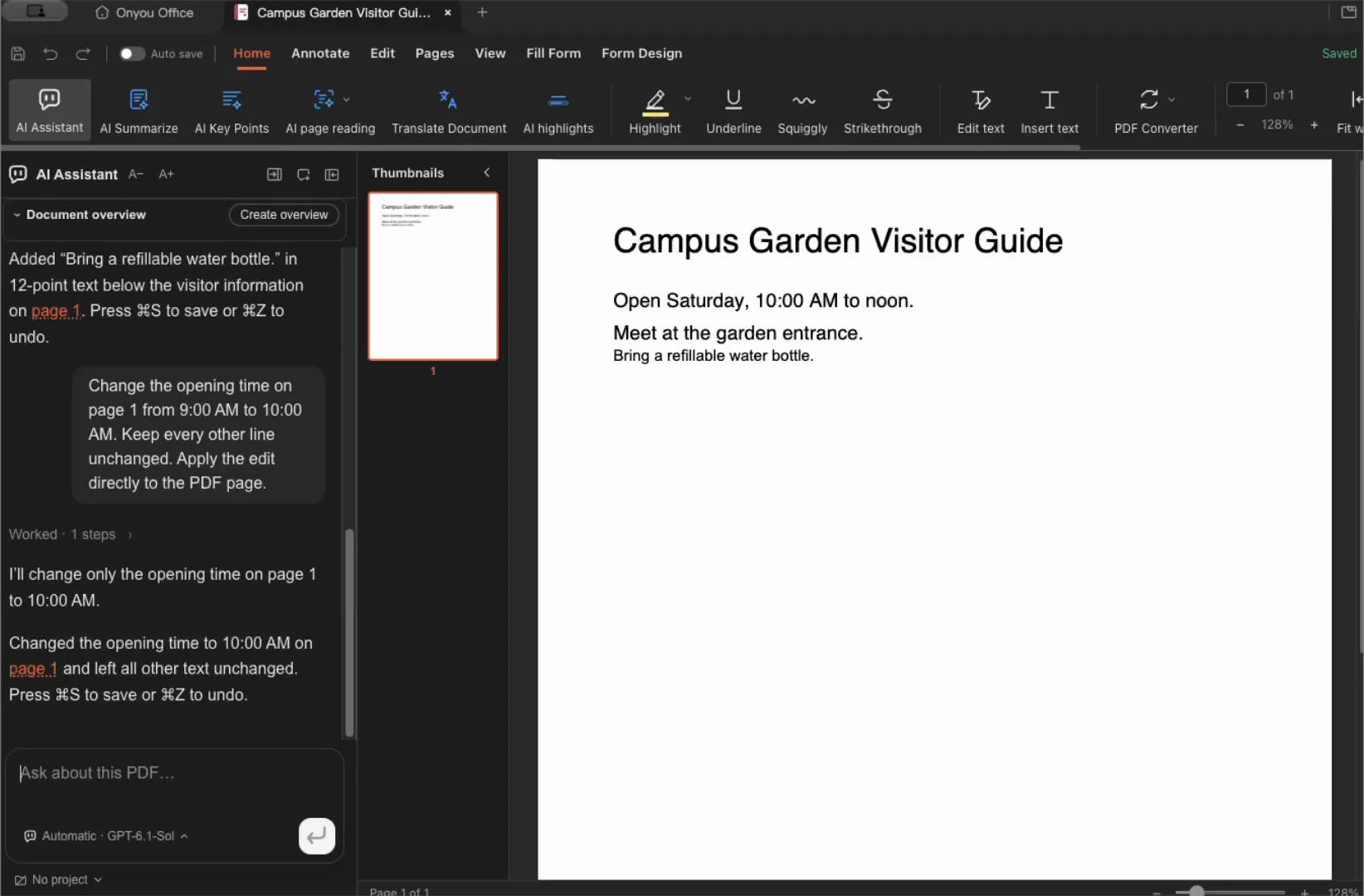
Review pages and leave highlights and annotations.
Watch the PDF demo →
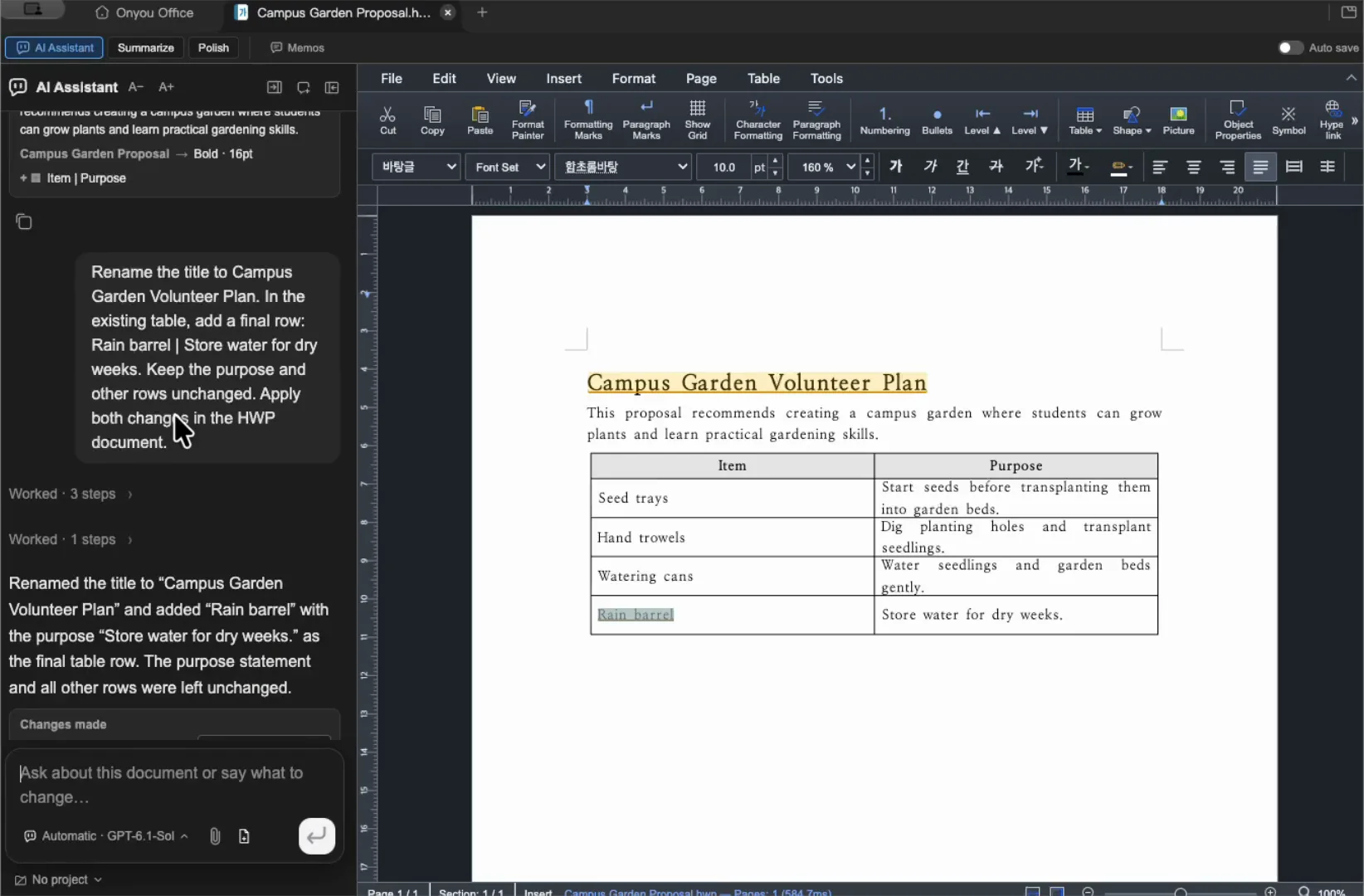
Read and edit Korean HWP documents, including their tables.
Watch the HWP demo →
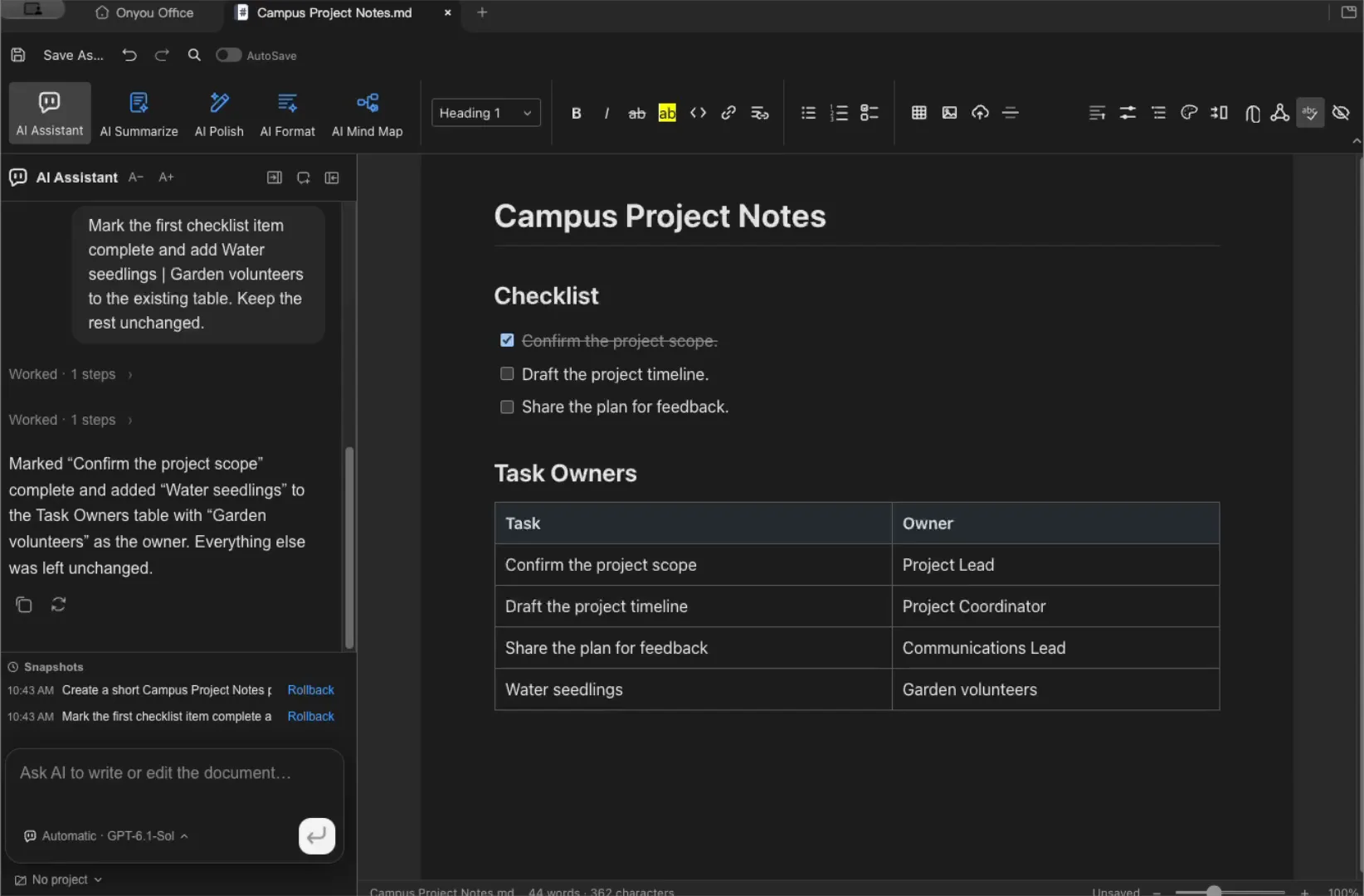
Use headings, lists, and tables to organize notes and tasks.
Watch the Markdown demo →
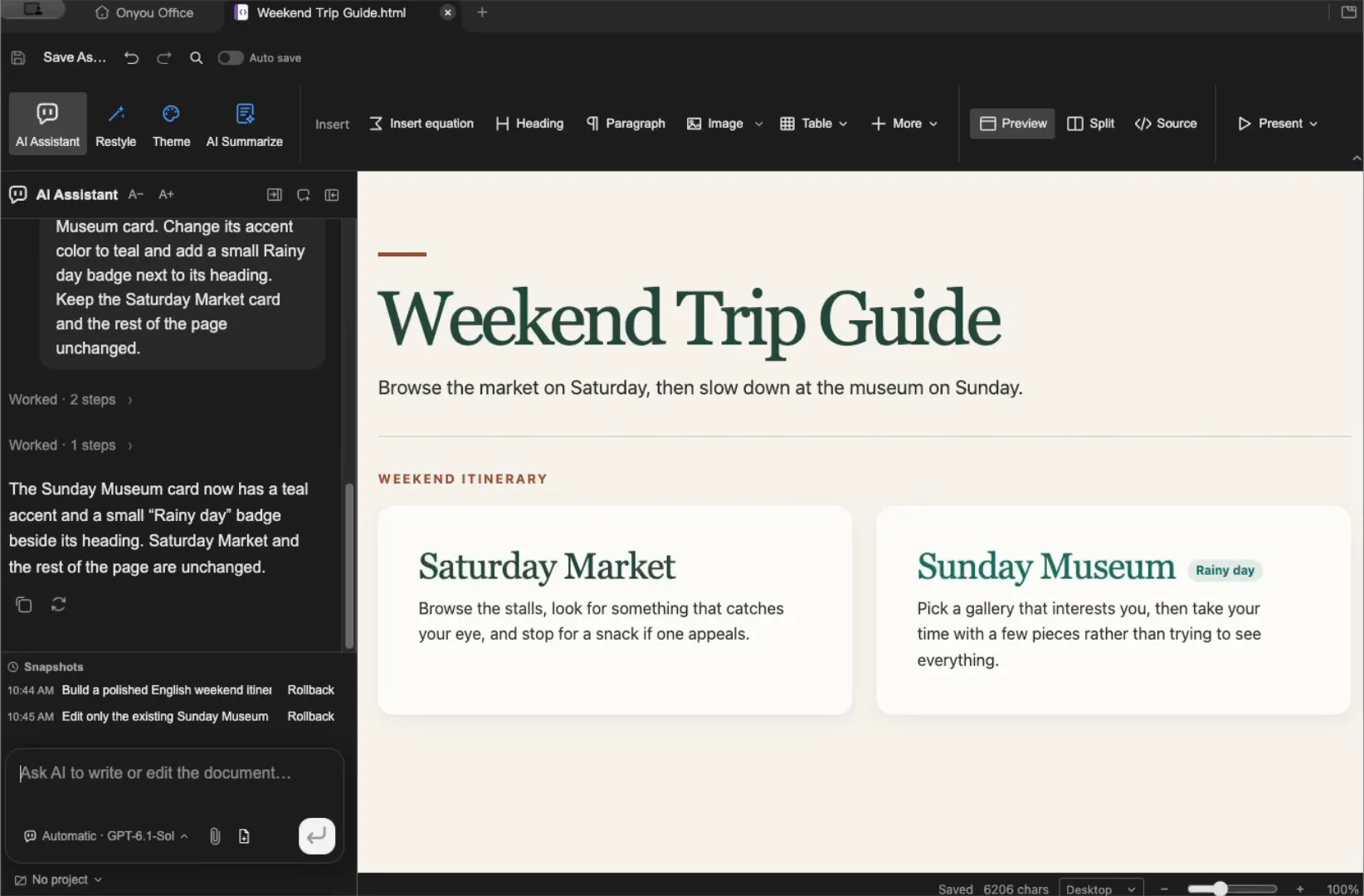
Switch between source and preview while editing.
Watch the HTML demo →
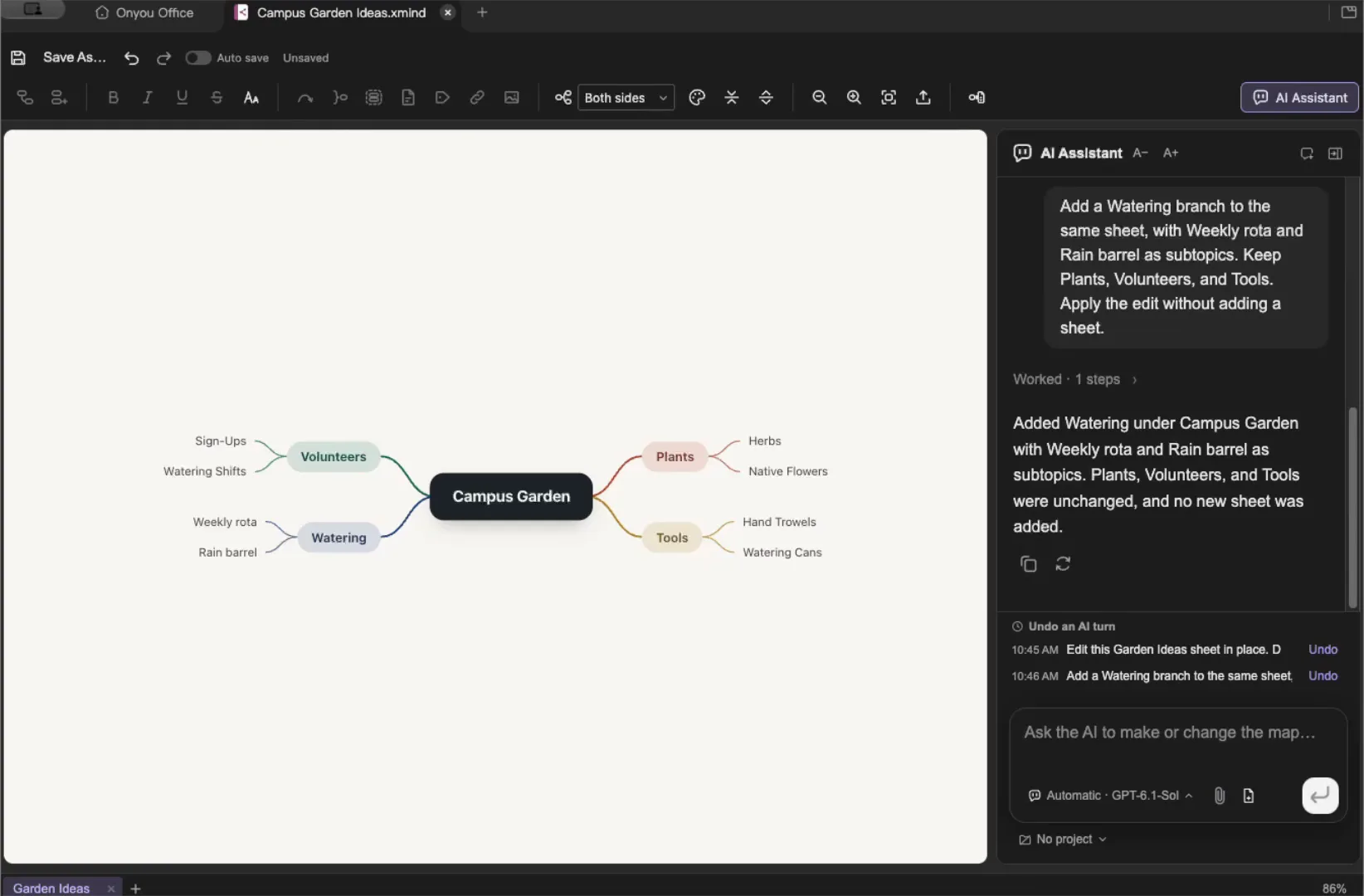
Connect ideas and tasks in branches.
Watch the Mind map demo →
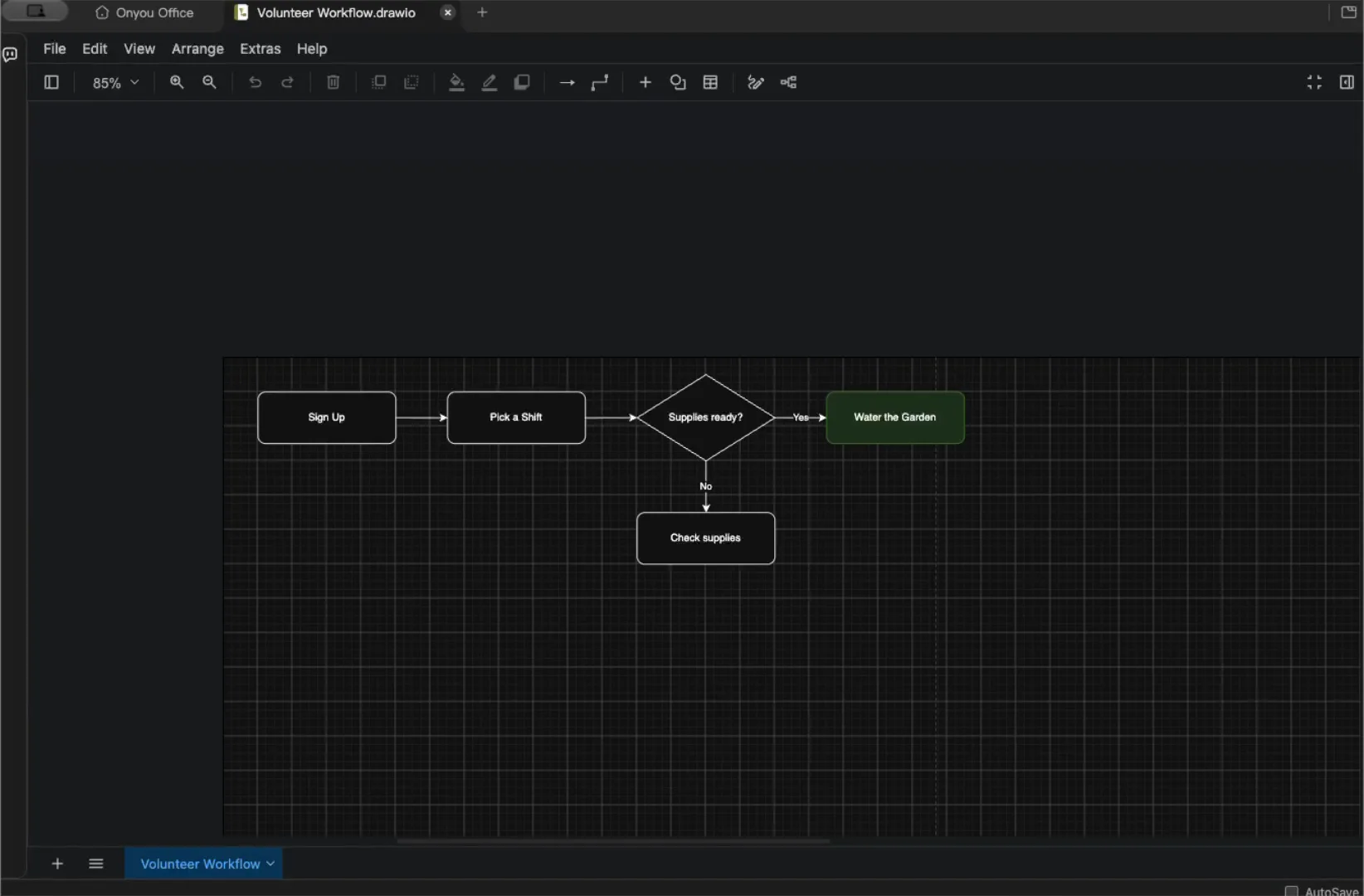
Build flowcharts with shapes and connectors.
Watch the Diagram demo →
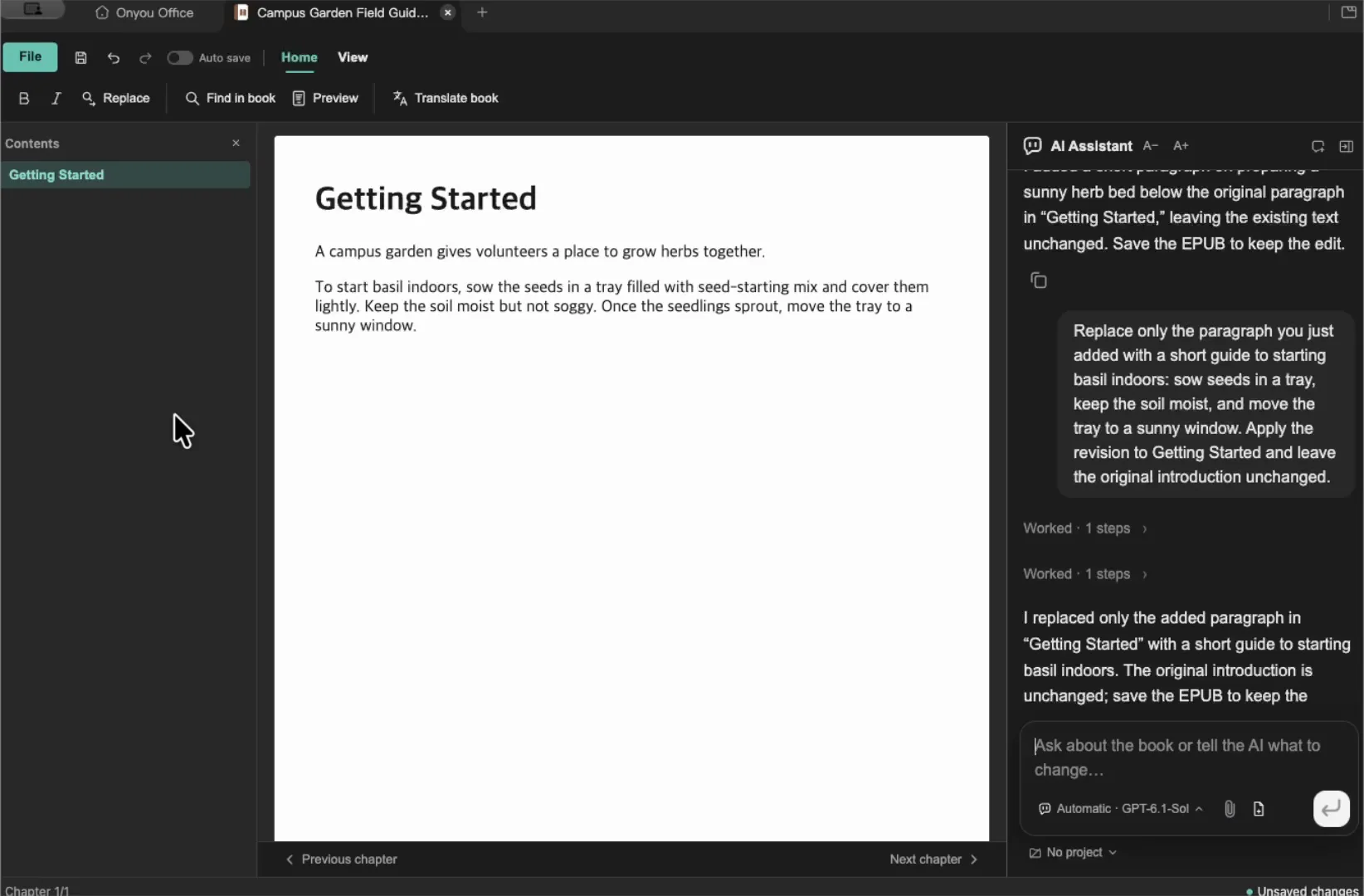
Browse chapters and edit the body of reflowable ebooks.
Watch the EPUB demo →Use the editor’s AI panel to rewrite a paragraph or tidy a table. The agent can work on the files in a folder you choose.
The app is free and open source, and AI is optional. Providers set their own fees and limits, and the tools available depend on your connection and the file format.
Connect AI →Get started with the AI agent →Split tabs side by side or top to bottom to see two files at once. A project keeps the files, instructions and conversations for one job together.
Choose the files Knowledge Vault should use, then open the sources cited in an answer to check the original text.
Ask a question about selected files →